When a hard drive partition disappears, it feels like hundreds of gigabytes of photos, documents, and system files have vanished into thin air. However, in low-level data storage mechanics, deletion is rarely an instantaneous destruction of files.
So, why is a deleted partition sometimes still recoverable The answer lies in how operating systems organize storage devices. Deleting a volume removes the index pointing to where the data lives, leaving the underlying raw files intact across disk sectors until new information physically overwrites them.
The Mechanics: What Actually Happens When a Partition Is Deleted?
To understand how recover deleted partition procedures work, it helps to distinguish between a disk’s structural index and its physical data payload.
The Book & Index Analogy (Pointers vs. Physical Storage)
Think of a hard drive as a massive encyclopedia and a partition as a single chapter. The operating system uses an index the table of contents to quickly find where each chapter starts and ends.
When you delete a partition, the operating system does not shred the pages (the actual binary data blocks). It simply erases the chapter entry from the table of contents. The pages remain bound inside the book, but the system marks that physical space as “available” for future writing.
Partition Tables (MBR vs. GPT) and Sector Allocations
Operating systems locate volumes using disk partition tables stored at specific address offsets on the drive:
-
Master Boot Record (MBR): An older partitioning scheme located at Sector 0 of the drive. It contains a 64-byte partition table that defines up to four primary partitions with their starting and ending Logical Block Addresses (LBA).
-
GUID Partition Table (GPT): A modern standard that uses globally unique identifiers. It stores a primary header at the beginning of the drive and a secondary (backup) header at the very end of the drive for redundancy.
When a partition deletion command executes, the operating system overwrites or zero-fills these tiny MBR or GPT index tables. The multi-gigabyte data payload lying further down the storage sectors remains untouched.
Deletion vs. Overwriting: The Critical Distinction
Computers prioritize speed and flash memory endurance. Completely sanitizing (zero-filling or magnetically resetting) every sector during a deletion command would take hours and cause unnecessary hardware wear.
Because of this, standard deletion only updates metadata flags. As long as no new files overwrite those sectors, performing a deleted partition recovery can fully reconstruct the original volume structure.
Why Partition Recovery Succeeds: Technical Factors
Under the right conditions, automated tools can recover data from deleted partition areas with zero data loss.
Intact Raw File System Headers (NTFS, FAT32, exFAT)
Even if the main MBR or GPT map is wiped, the individual partition’s file system headers often survive. For instance, an NTFS volume contains a Volume Boot Sector (VBS) and a Master File Table ($MFT) that store file names, directory trees, and cluster maps. Advanced scan algorithms detect these signatures across raw disk sectors to rebuild the partition layout.
Passive Storage Media Behavior in HDDs
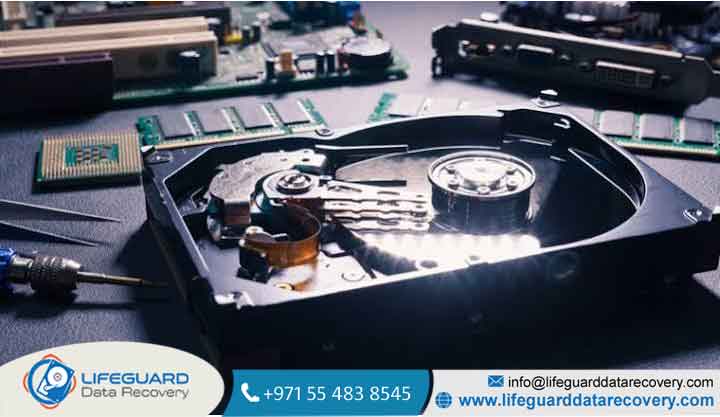
On traditional spinning hard disk drives (HDDs), data bits are stored as magnetic charges on rotating platters. Erasing an index marker changes the disk controller’s permissions map, but the magnetic alignment on those sectors remains unchanged until a new write command applies new magnetic charges. This passive behavior allows hard drive partition recovery to succeed weeks or months after a deletion event, provided the drive remained unused.
Backup Partition Headers in GPT
GPT drives feature built-in redundancy. If a software glitch or corrupt disk management tool wipes the primary GPT header at the start of the drive, specialized utilities can locate the secondary GPT header at the end of the disk array. Reading this backup array allows immediate partition table recovery without touching the actual file payload.
Instant Action Before New Data Writes
The window of recoverability depends heavily on user response time. Halting drive use immediately after an accidental format or deletion preserves the unallocated sectors, ensuring a high rate of successful deleted partition data recovery.
When Recovery Fails: Why Some Deleted Partitions Are Gone Forever
Understanding failure modes helps set realistic expectations for partition recovery.
The Impact of SSD TRIM Commands and Garbage Collection
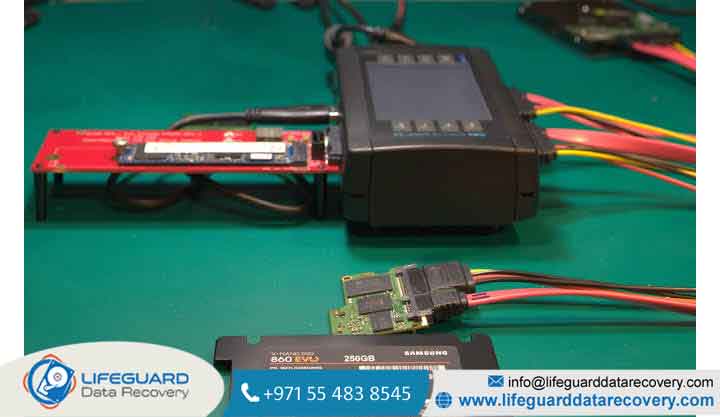
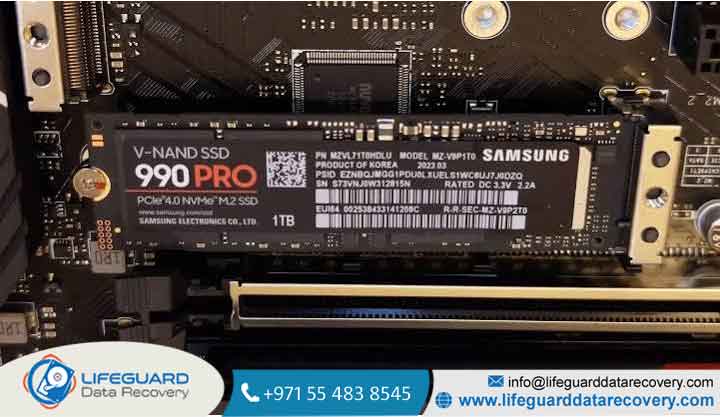
While magnetic hard drives passively retain orphaned data, modern Solid-State Drives (SSDs) handle unallocated space aggressively due to NAND flash limitations:
-
The TRIM Command: When a partition is deleted on an SSD, the operating system sends a command to the drive controller, marking those flash blocks as invalid.
-
Background Garbage Collection: The SSD controller actively erases invalid NAND blocks in the background so future write operations don’t suffer performance penalties.
Once TRIM and garbage collection execute, the binary data in those NAND cells is zeroed out permanently.
Drive Overwriting and File Fragmentation Issues
If you continue using a drive after losing a partition, the operating system assigns new temporary files, updates, and caches to those newly “unallocated” sectors. If a file was fragmented split across non-contiguous sectors overwriting even a fraction of those sectors leads to corrupt, unopenable files post-recovery.
Severe Physical or Sector-Level Storage Damage
Logical software can rebuild missing index tables, but it cannot read sectors that are physically unreadable due to bad sectors, worn NAND flash chips, or failing magnetic read/write heads.
Causes of Partition Loss and Missing Volumes
-
Accidental Command-Line Execution: Misidentifying disk volume indexes when running commands .
-
OS Installation & Repartitioning Errors: Installing a new operating system (e.g., dual-booting Linux alongside Windows) without correctly mapping drive boundaries.
-
Corrupted File System Index Headers: Sudden power failures, system crashes, or malware infection damaging the primary MBR/GPT sectors.
Key Symptoms That Confirm Your Partition Data Is Still Intact
-
Disk Management Displays “Unallocated” Space: Press and open Disk Management. If your missing partition shows up as a black bar labeled “Unallocated” equal to your missing drive size, the physical payload is usually intact.
-
Drive Appears as RAW Without Physical Noise: If the drive letter appears but prompts a “RAW format” or “You need to format the disk” error without any clicking or grinding sounds, the partition structure is corrupted rather than physically destroyed.
Overview of Partition Recovery Methods (High-Level Framework)
Rewriting Partition Maps (Partition Table Recovery)
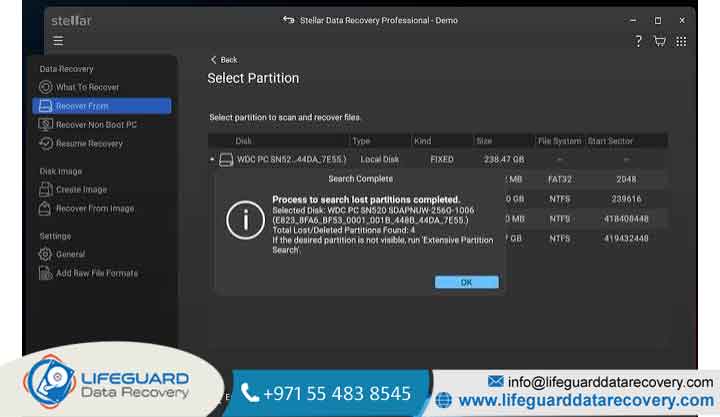
If the underlying file system remains healthy, tools like TestDisk scan the drive boundaries for boot sector signatures. Once located, the software rewrites the lost MBR or GPT entries, bringing the entire partition with all folder structures and file names back instantly.
Raw File Scraping and Sector Extraction
When the partition table and boot sectors are destroyed beyond repair, data recovery utilities perform raw sector-by-sector file signature scanning. This extracts orphaned files directly from unallocated space and saves them to a separate external drive.
Best Practices to Maximize Partition Recoverability
-
Unmount and Isolate the Drive Immediately: If the deleted partition resides on your primary OS drive, shut down the computer immediately to prevent background system tasks from writing to unallocated space.
-
Create a Sector-by-Sector Disk Image: Before running intensive recovery scans, clone the physical drive to an external disk image and run recovery utilities against the clone to avoid drive wear.
Frequently Asked Questions
Why can I still recover files if the partition was deleted months ago?
If the drive was disconnected or stored in a drawer after deletion, no new data was written to those sectors. Because magnetic sectors on HDDs retain their charges over time, data remains recoverable regardless of how much time has passed.
Is partition recovery faster than file recovery?
Yes. Restoring a lost partition map takes seconds to minutes because it only rewrites a few kilobytes of index metadata. By contrast, raw file scraping scans every gigabyte of unallocated space, taking hours.
Does quick formatting erase partition data permanently?
No. A quick format replaces the existing file system index with an empty structure, but leaves the file payload intact in unallocated space. A full format, however, scans and overwrites all sectors with zeros, rendering data unrecoverable.
Can SSD partition data be recovered after deletion?
Only if TRIM was disabled or if the drive was disconnected within seconds of deletion before the controller executed garbage collection. Once TRIM zeros out the blocks, recovery is impossible.