If you are staring at a blank screen, listening to a clicking hard drive, or realizing you just emptied a folder of irreplaceable business documents, your immediate question is simple: What are the chances I can get my data back?
While many consumer software tools and physical cleanrooms proudly advertise a 95% to 99% data recovery success rate, the reality is much more nuanced. In the data recovery industry, those numbers are heavily curated.
This guide dismantles the marketing myths, breaks down the actual recovery odds by storage device and failure type, and explains exactly how to maximize your chances of a successful recovery.
The Reality Behind the Numbers: How Is a Data Recovery Recovery Rate Actually Calculated?
When researching a professional data recovery company, you will see towering success metrics. However, the way a laboratory calculates its data recovery recovery rate often differs from how a consumer interprets it.
The Formula Scam: “Successful” Cases vs. Total Received Drives
Many recovery operations artificially inflate their numbers through selective filtering. To claim a 99% success rate, a firm might exclude:
-
Drives that are physically unsalvageable upon initial diagnostic assessment.
-
Cases where the customer declined the service because the recovery quote was too high.
-
Devices with severe, unreadable magnetic platter scoring.
By only factoring in “completed, paid cases where the user accepted the quote,” a firm’s internal mathematics can easily transform a true recovery rate of 70% into an advertised 99%.
When a “Single File Recovery” Counts as 100% Success
Another calculation loophole involves the definition of “success.” If a drive contains 500 GB of structural data, but only 5 MB of fragmented, partially corrupted system files are retrieved, some laboratories still log this as a “successful data recovery” because some data was pulled.
When looking for the best data recovery experts, always ask: How do you define a successful recovery, and do I pay if my target files are unrecoverable?
The Chances of Data Recovery Based on Storage Device Type
Your baseline chances of data recovery depend heavily on the physical and logical architecture of the media that failed.
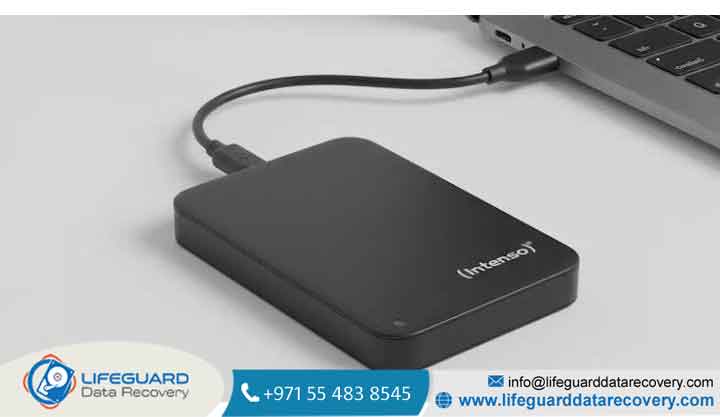
Hard Drive Data Recovery Success Rate (HDDs)
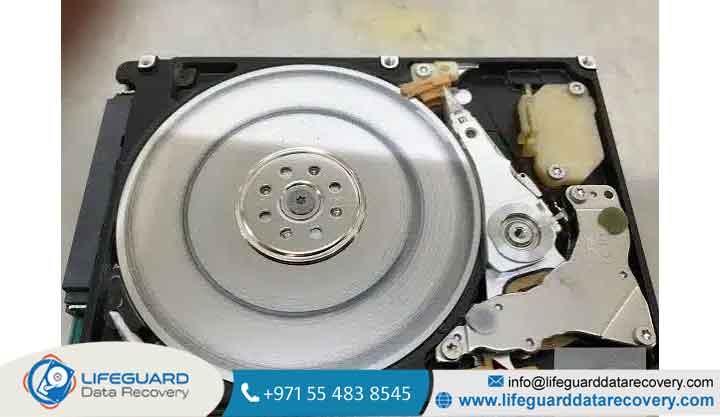
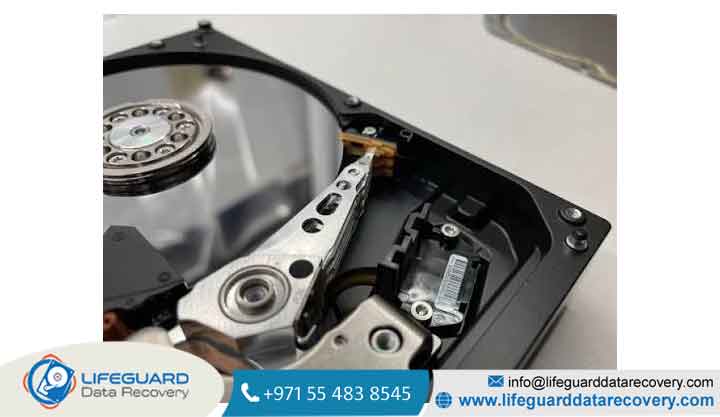
The typical hard drive data recovery success rate is historically high, hovering between 70% and 91%. Because traditional hard drives store data magnetically on spinning platters, the physical information remains embedded on the disk even if the drive’s
mechanical arm, spindle motor, or printed circuit board (PCB) fails. As long as the magnetic platters themselves are not physically scratched or scraped (known as a platter crash), professional hard drive recovery specialists can usually reconstruct the data.
SSD Data Recovery Success Rate (Solid-State Drives)
Conversely, the SSD data recovery success rate drops significantly, averaging 60% to 75%. This drop-off is due to how flash memory functions.
Modern operating systems use a command called TRIM. During idle times, the SSD’s background “Garbage Collection” actively clears and zeroes out those cells to preserve future write speeds.
RAID, NAS, and Server Recovery Success Rates
Despite containing multiple drives, business-grade storage configurations enjoy a high recovery rate of 85% to 92%. This is because systems like RAID 5, RAID 6, or nested arrays utilize parity drives.
If one or two drives fail physically, SSD recovery specialists and server technicians can use mathematical parity to reconstruct the missing data from the surviving disks.
Successful Data Recovery Scenarios: Logical vs. Physical Failures
The mechanism of your data loss is the single largest indicator of whether your files can be rescued.
Deleted File Recovery Success Rate (Logical Damage)
If the drive is healthy but files were lost due to human error, the deleted file recovery success rate is excellent (92% to 98%), provided the drive is an HDD or TRIM was disabled on an SSD. In these scenarios, the data still exists in “unallocated space”.
The primary threat here is overwriting: if you continue using the device to browse the web or download software, you will write new data over the very blocks you want to save.
Formatted Drive Data Recovery Success (Quick vs. Deep Format)
Your formatted drive data recovery success depends entirely on the formatting type used:
-
Quick Format: Merely overwrites the file system directory index (FAT, NTFS, APFS). The actual files are still present in the storage blocks. Recovery chances remain above 90% on HDDs.
-
Full/Deep Format: Writes zeroes or random data across every single sector of the drive. If a true full format is executed, your recovery success rate is 0%.
Damaged Hard Drive Recovery Success (Physical & Mechanical Failures)
When physical trauma is involved such as dropping a laptop, a power surge, water exposure, or a house fire you face a damaged hard drive recovery success rate of 50% to 85%.
-
Mechanical Failures (Clicking/Beeping): Highly recoverable (70% to 85%) if addressed immediately in a cleanroom.
-
Water Damage: Moderately recoverable (50% to 70%) if the drive is sent to a lab before the internal components dry out and corrode.
-
Fire/Extreme Heat: Poor recoverability (20% to 40%) because intense heat can demagnetize HDD platters or warp NAND flash wafers beyond recognition.
When to DIY vs. When to Call a Professional Data Recovery Company
Attempting to recover data yourself is a calculated risk. According to industry data, while professional data recovery success rates hover around 91%, raw DIY attempts succeed only about 18% of the time, often permanently destroying the media in the process.
The Hidden Dangers of Running Free Recovery Software on Failing Drives
DIY recovery software is designed only for healthy drives that have suffered logical issues (like accidental file deletion). If your hard drive is making clicking noises, grinding, or freezing your operating system, the drive is physically failing.
Running software forces the failing read/write heads to continuously thrash across delicate magnetic platters. This can grind away the magnetic coating containing your files, rendering even professional cleanroom recovery impossible.
A Cleanroom Environment: Why Physical Cases Require a Data Recovery Laboratory
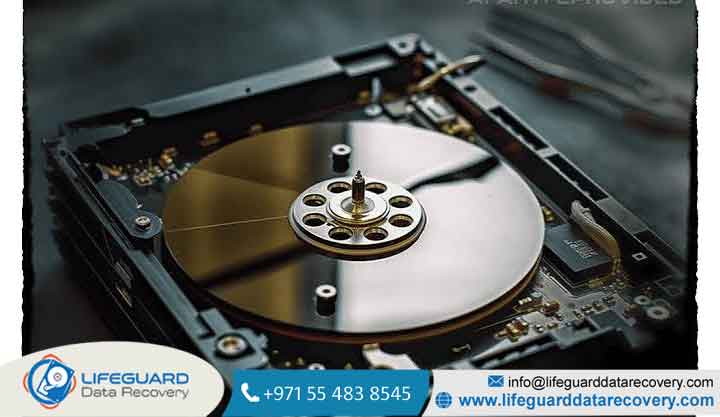
When physical hardware components fail, repair must take place inside a certified data recovery laboratory. These facilities feature Class 100 ISO 5 Cleanrooms, where the air is continuously filtered to remove microscopic dust particles.
Opening a hard drive in a standard room allows household dust to settle on the platters; when the drive spins at 7,200 RPM, those dust particles act like sandpaper under the read/write heads.
Crucial Steps to Protect Your Chances of Successful Recovery
If you suspect data loss, the actions you take in the first 10 minutes will directly dictate your final recovery success rate.
Step 1: Power Down the Device Immediately
Do not shut down through the standard OS menu if the drive is freezing or making noises. Hold the power button down until the machine cuts out entirely. This prevents further automatic background operations, such as Windows Updates, pagefile writes, or SSD TRIM cycles.
Step 2: Avoid Writing New Data (The Overwrite Threat)
Do not download file recovery software directly onto the drive that lost the files. Doing so can immediately overwrite the exact sectors containing your deleted data. If you must use software, install it on a separate, healthy computer and connect the affected drive as a secondary, non-bootable storage device.
Step 3: Document the Symptoms
Note any error messages, write down the timeline of events, and identify any physical sounds (clicking, buzzing, or beeping). Providing these details to hard drive recovery specialists streamlines diagnostics and prevents them from running unnecessary, risky tests on your media.
Frequently Asked Questions About Data Recovery Outcomes
How do I find trustworthy data recovery services near me?
When searching for data recovery services near me, look for a professional data recovery company with a physical lab rather than a drop-off depot. Ensure they offer a transparent “No Data, No Fee” policy, have certified security standards (like SOC 2 Type II), and perform physical work inside an actual ISO-certified cleanroom.
Is emergency data recovery service worth the extra cost?
Most labs dedicate a specialized engineering team to work on your drive 24/7, bypassing standard queues to return your critical data within 12 to 48 hours.
What are the best business data recovery solutions for enterprise servers?
For corporate environments, business data recovery solutions require on-site or remote recovery specialists who understand complex virtualized networks (VMware, Hyper-V), hardware-level encryption, and strict regulatory compliance standards (HIPAA, GDPR).
Can data be recovered from a completely dead motherboard?
Yes. If a laptop’s motherboard is dead, the storage media itself (HDD or SSD) is usually unharmed. Technicians can extract the drive, bypass the dead computer, and clone the storage directly. (Note: If the laptop is a modern