A sudden thunderstorm, grid outage, or circuit breaker trip can send a high-voltage spike through a computer’s power supply and into connected storage devices. If an internal or external hard drive stops responding after a power event, immediate concern regarding permanent data loss is natural.
The short answer is yes, a hard drive can almost always recover data after a power surge. Unlike physical drops or head crashes, electrical spikes typically destroy external control electronics while leaving the internal magnetic platters holding the actual files completely untouched. However, recovering those files depends on avoiding dangerous DIY attempts and taking the proper recovery steps.
What Happens to a Hard Drive Damaged by a Power Surge?
Understanding how electrical current moves through a mechanical hard disk drive (HDD) clarifies why a drive that appears dead is rarely a total loss.
The Anatomy of Electrical Damage: PCB, TVS Diodes, and Spindle Motors
When excess voltage hits a hard drive, it travels directly into the Printed Circuit Board (PCB) attached to the bottom of the drive’s aluminum casing.
-
TVS Diodes (Transient Voltage Suppressors): Modern hard drives feature sacrificial protective components called TVS diodes on the 5V and 12V power rails.
-
Motor Controller IC: If the power surge bypasses or overpowers the TVS diodes, it burns out the motor controller chip (often referred to as the Smooth IC), causing a power surge hard drive failure where the disk cannot spin up.
-
Pre-Amplifier Chip: In severe lightning strikes, excess current travels beyond the PCB into the sealed Head Disk Assembly (HDA), frying the delicate read/write head pre-amplifier chip mounted on the voice coil assembly.
HDD vs. SSD Power Surge Behavior: Key Technical Differences
-
Mechanical Hard Disk Drives (HDDs): Store data magnetically on glass, ceramic, or aluminum platters. Because magnetic charges are non-electronic, electrical current does not destroy stored bits. Data loss only occurs if a shorted read/write head physically scrapes the spinning platter surface.
-
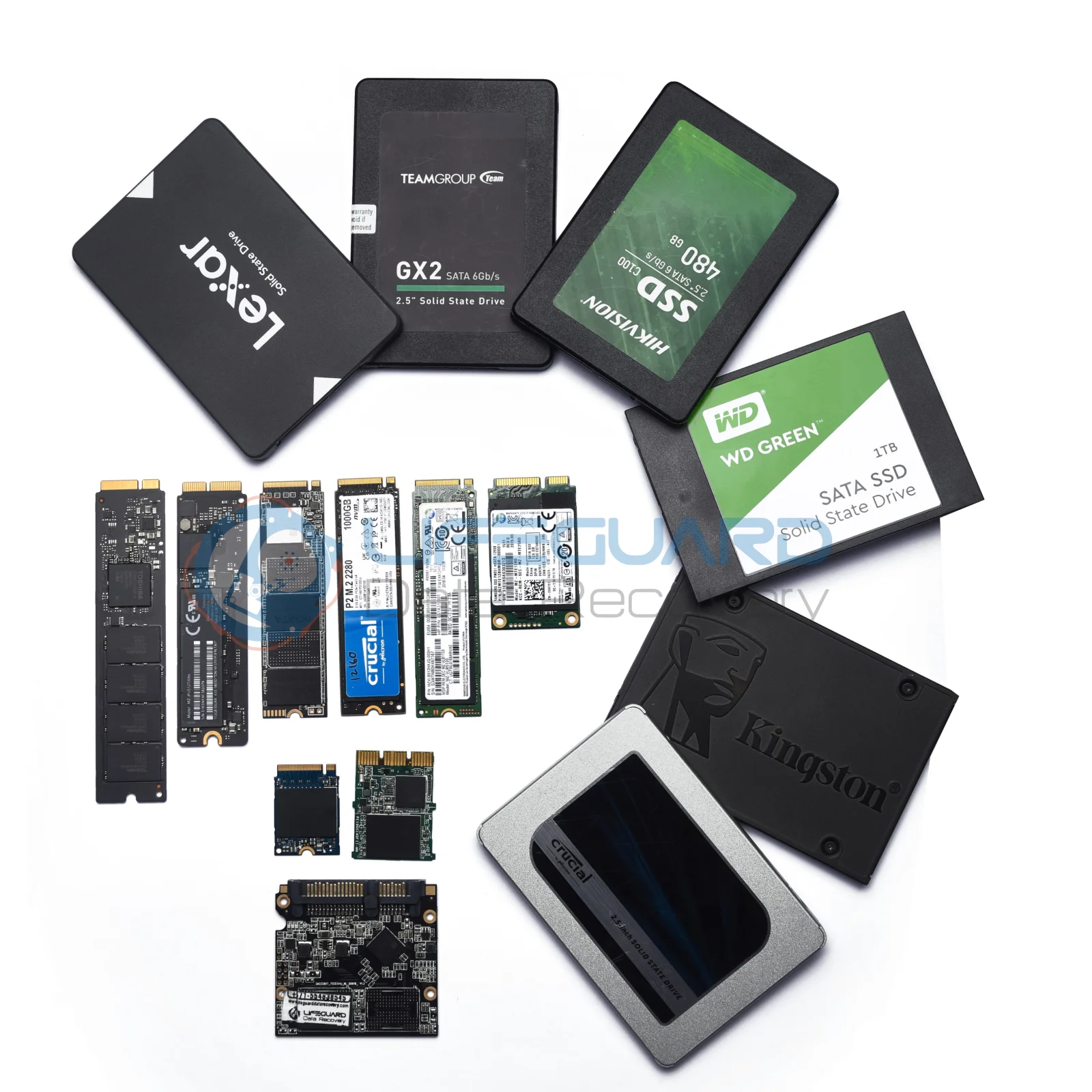
Solid-State Drives (SSDs): Store data electronically inside NAND flash memory chips. A major power surge can pass through the SSD’s Power Management IC (PMIC) and fry the NAND cells directly, making data recovery from electrically damaged SSDs far more complex than mechanical drives.
Signs and Symptoms of an Electrically Damaged Hard Drive
To determine if you are dealing with a “14” data-index-in-node=”39″>hard drive damaged by power surge events, evaluate the drive against these common symptoms:
Drive Is Completely Dead (No Spin, No Sound)
wer surge conditions and shows zero activity no spindle motor vibration, no sound, and no power the issue is almost certainly restricted to the external PCB. The protective TVS diodes cut off power delivery to safeguard the internal mechanical parts.
Burning Smell or Visible PCB Scorching
Removing the drive and inspecting the green circuit board often reveals physical evidence: a pungent chemical burning odor, small blistered
chips, or discolored copper traces on the PCB.
Drive Beeps, Clicks, or Shuts Off Instantly
If the drive spins up for a few seconds, emits rhythmic clicking or high-pitched be
eping sounds, and then powers down, the electrical surge likely jumped the PCB and damaged the internal head pre-amplifier chip.
Emergency Triage: What NOT to Do After a Power Surge
Improper actions immediately following a power event cause more permanent
data loss than the initial voltage spike itself. Follow this emergency protocol:
Do NOT Keep Re-plugging the Drive into Power
Continually applying power to an electrically shorted drive risks thermal runaway. A shorted PCB component generates intense localized heat within seconds, which can melt internal ribbon cables or warp drive components.
A common myth is that buying an identical hard drive on eBay and swapping the circuit board will fix a ower surge hard drive failure. On modern drives manufactured after 2004, this approach will fail.
Every modern PCB contains a unique ROM/NVRAM chip programmed with factory adaptive parameters (such as head alignment angles and bad-sector maps specific to that exact platter set). Attaching a donor board without micro-soldering the original ROM chip to the donor board will result in a non-functional drive and can damage the read/write heads.
Do NOT Run Data Recovery Software
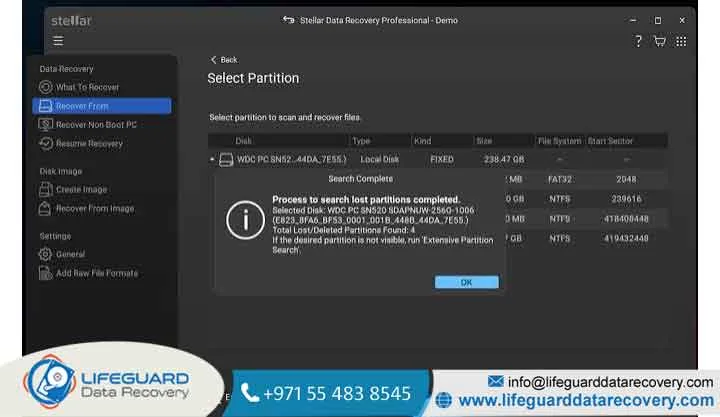
If a drive cannot power on, stay spinning, or communicate correctly with your computer’s BIOS/UEFI, running software tools is useless. Software requires a stable hardware layer to communicate with sectors; running scans on a physically unstable drive can cause head crashes and ruin chance of recovery.
Step-by-Step Fixes: How to Recover Data from Power Surge Damaged Hard Drives
Restoring access to your files depends on the technical severity of the electrical damage:
TVS Diode Testing & Removal (Advanced Technicians)
If the damage is limited to the protective circuitry, a technician can test the 5V and 12V TVS diodes using a multimeter in continuity mode:
-
Detect Short: A shorted diode will beep continuously in both current directions.
-
Desolder & Replace: Desolder the shorted diode and replace it with a matching spec component. Note: Operating a drive with a removed diode leaves it completely unprotected against future voltage fluctuations.
Professional PCB Adaptation & ROM Transfer
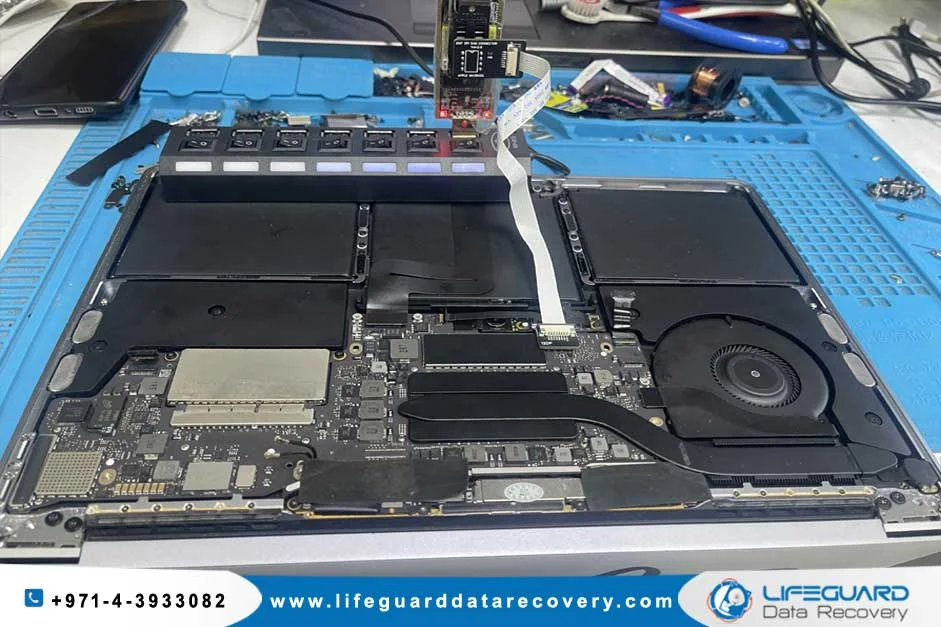
When the main motor controller IC or board traces are scorched, a hard drive recovery specialist executes a PCB adaptation:
-
Locate a matching donor PCB with identical board architecture numbers.
-
Carefully desolder the 8-pin ROM/NVRAM chip from the original damaged board using a hot-air rework station.
-
Solder the original ROM chip onto the matching donor PCB.
-
Mount the adapted board and image the drive immediately to clone the data.
Cleanroom Pre-Amplifier Replacement
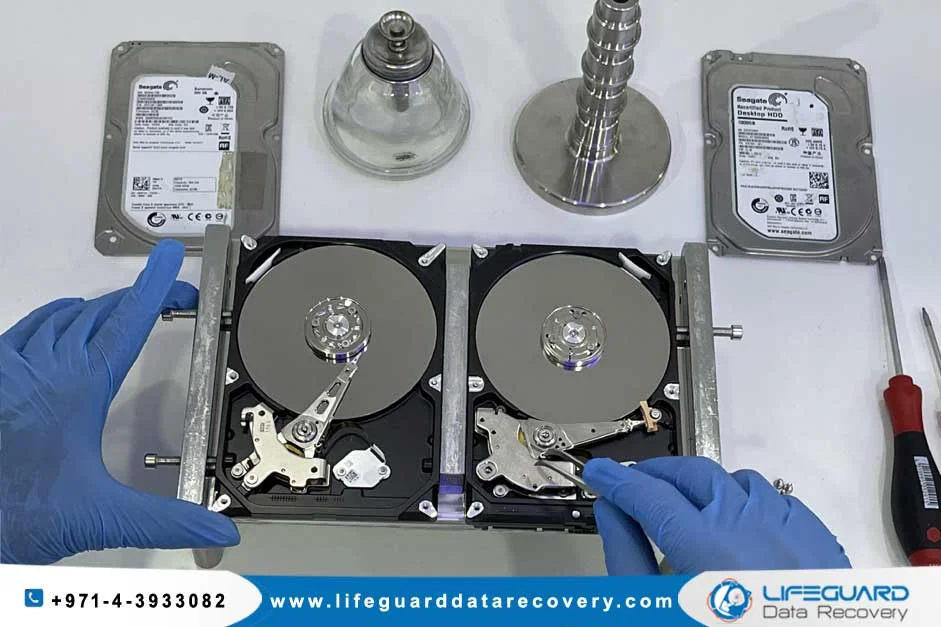
If the electrical surge burned out the pre-amplifier chip attached to the read/write heads inside the sealed head disk assembly, the drive must be opened inside an ISO Class 100 cleanroom environment. A specialized technician must replace the entire head stack assembly using an identical donor drive, recalibrate the firmware on specialized diagnostic hardware (such as PC-3000), and extract raw disk images.
How to Prevent Power Surge Hard Drive Damage
Implementing hardware protection safeguards data against power grid instability:
-
Standard power strips use cheap metal oxide varistors (MOVs) that degrade over time. A quality UPS provides battery backup alongside Automatic Voltage Regulation (AVR), smoothing out brownouts and voltage spikes before they hit your equipment.
-
Isolate External Backup Drives: Disconnect external backup drives as soon as backup operations complete. An unplugged hard drive cannot be damaged by electrical spikes.
-
Enforce the 3-2-1 Backup Rule: Maintain 3 total copies of your data across different media types, with data-path-to-” data-copy stored offsite or in cloud storage.
Can data be recovered after a power surge if the hard drive won’t turn on?
Yes. When a hard drive will not turn on after a surge, the damage is typically isolated to the external circuit board. Because the internal magnetic platters remain undamaged, professional recovery success rates for dead drives exceed 90%.
How much do professional data recovery services cost for surge damage?
If the damage is limited to PCB component replacement or ROM transfer, recovery typically costs If the voltage spike damaged internal components requiring cleanroom head replacement, costs
Will a power surge corrupt my files if the drive still powers on?
Yes. If a power outage occurs while the drive is actively writing data, it causes an “This can corrupt file system metadata (such as NTFS or exFAT tables), causing the drive to appear as “RAW” or unformatted in Windows.